Your event. One connected system.

Cashless payments for your event.

Guests add money and tap their wristband to pay. Your team keeps track of sales, top-ups and event activity.

See how it works
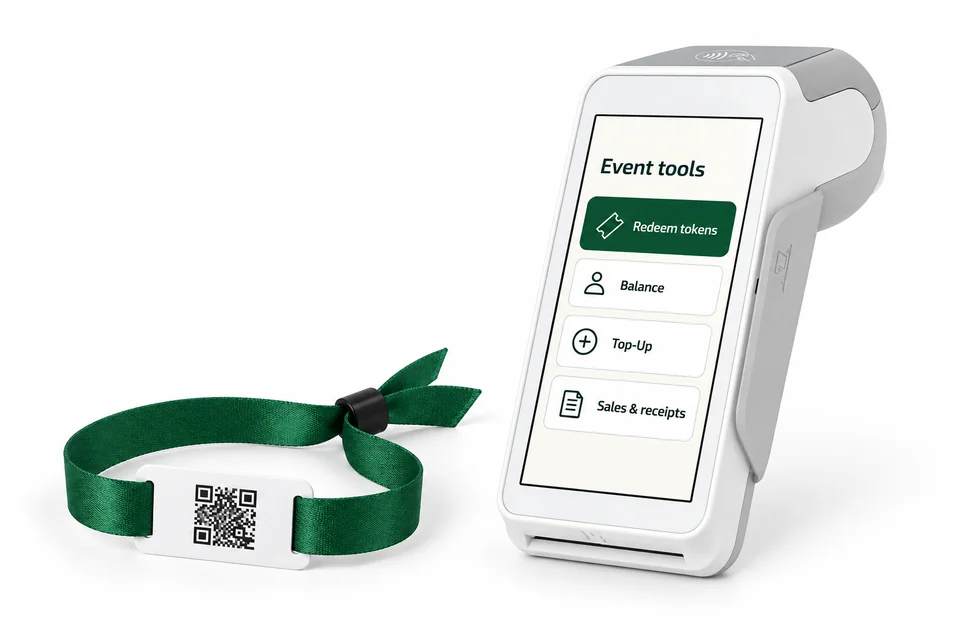
White payment terminal beside a green fabric wristband with a flat white rectangular tag
One wristband. From top-up to tap.Illustrative product image · guest and terminal setup
Staff access for each event Sales and top-ups in one view A separate wallet for each payment band

One flow, from setup to totals

A simpler way to run event payments.

Prepare your team, take payments and review the day. Guests can also link their band to check their balance online.

  1. 01

    Set up your event.

    Add your team and menus. Prepare entry wristbands for your event.

  2. 02

    Link a wristband.

    Guests scan their band’s QR and verify their email to see their wristband online.

  3. 03

    Add money.

    The first successful top-up enables payments and adds any welcome credit. Review fees before paying.

  4. 04

    Tap to pay.

    Pay at a participating stall. Wait for the confirmed result, then get back to your event.

  5. 05

    See event totals.

    Review sales, money added and wristband activity in your event reports.

Every new wristband starts entry only. Its first successful top-up enables payments on the same band.

For event organizers

Your team, your stalls. A clearer view.

Give staff the events and menus they need. Keep track of top-ups and sales as the day unfolds.

  • The right accessStaff work within their assigned events.
  • Menus that make senseSet the items each operator can sell.
  • A record to come back toReview purchases, top-ups and balances.
Explore event operations

For your guests

Their band. Their balance. Easy to find.

Guests scan their activated band’s QR and verify their email to link it. They can see their balance and past payments, including cash top-ups at the counter.

Meet your wristband
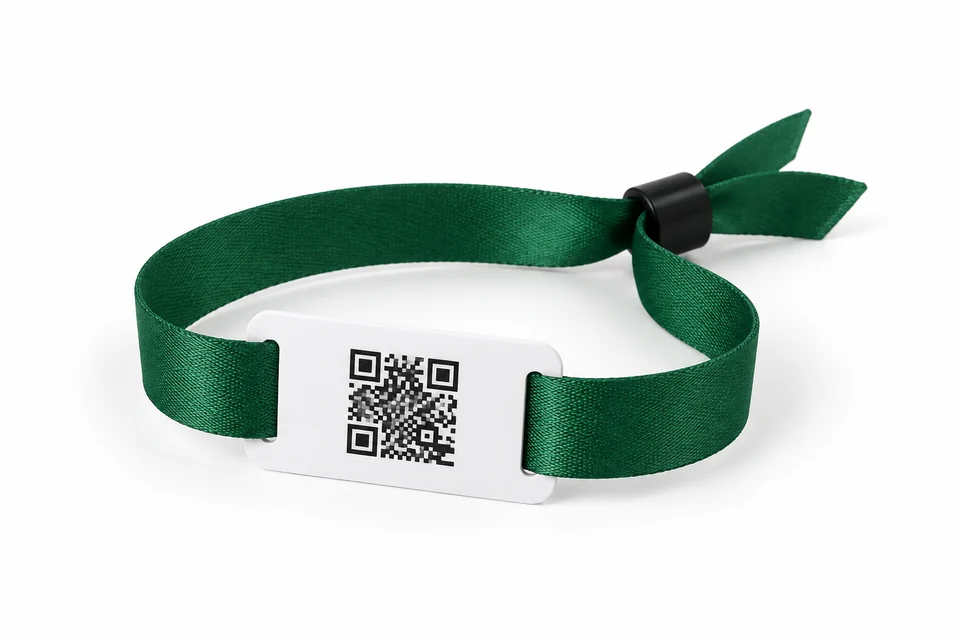
Green fabric wristband with a flat white rectangular NFC tag
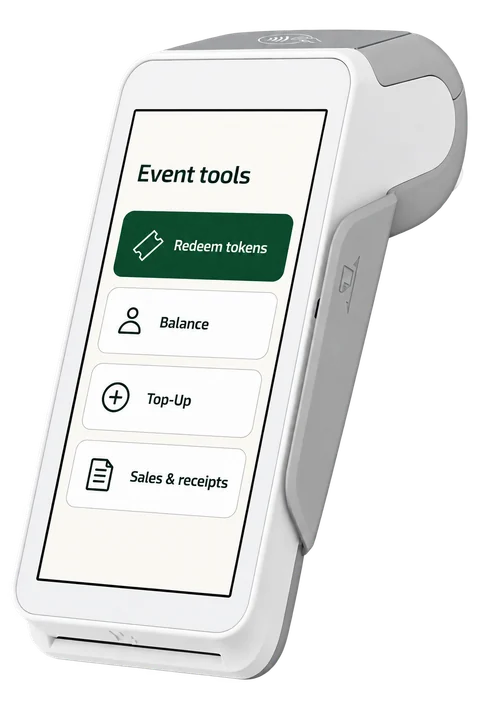
White Android payment terminal showing Redeem tokens, Balance, Top-Up, and Sales & receipts
Illustrative product image

At the counter

Plan your terminal setup.

Discuss PAX and WISEASY terminals, wristbands, NFC reading and receipt printing for your venue. We’ll confirm the terminal model and setup with you as part of planning.

  • Wristband payments at participating stalls
  • Receipts and a record of each sale
  • A connected terminal to confirm payments

Good to know

A few questions. Clear answers.

A little clarity before you arrive.

All questions
Can I pay without a smartphone?

Yes. Give your name and top up with cash at the event counter. A phone number is optional. You can then use your payment wristband at participating stalls.

How do I check my balance?

Scan the printed QR on your event wristband. Sign in and verify your email to link it to your account. You will see the same balance and history, including top-ups made at the counter.

How much can I top up?

You can pay ₹50-₹5,000 per top-up. One QC equals ₹1. Before paying, check the quote for any activation fee, event bonus and the amount that will reach your wallet.

What if I lose my wristband?

Freeze a linked band from your account, then visit the event help desk. A lost-band replacement needs verification through the email already linked to your account. If you find the band, you can remove your own freeze. Only the event team can remove an administrator’s lock.

What happens to an unused balance?

Refund eligibility follows your event’s rules. Before topping up, check the event’s seller and refund information. For an unused balance or payment problem, contact the support listed for your event.

Let’s make it simple

Great events start with a conversation.

Planning an event or need help with your band? We’re here to help.

Talk to QARTL